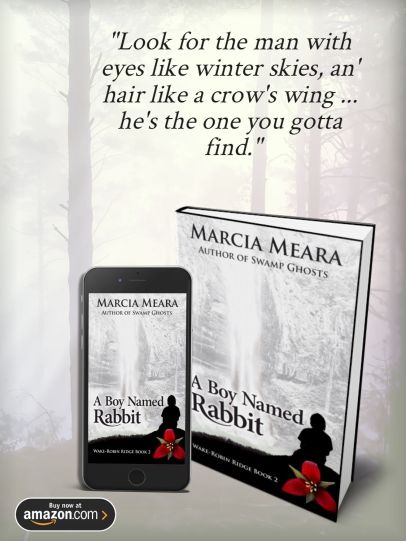
In my quest to conquer online marketing this year, I’ve been looking for ways to create easy, FAST images for various platforms–BookBub, BookGorilla & the like, Facebook Ads, Twitter posts, headers for various sites, etc. With the thought in mind that some of you might like easier ways to do this, too, I am sharing my latest find. Here is an article about creating perfect BookBub ads, with links to a great online site called BookBrush. It’s affordable, easy, and best of all, FAST to create nice looking designs with 3-D images of your book covers (using their selection of templates).
How To Create Eye-Catching BookBub Ads
Now, I’ve done a lot of graphics over the years using PaintShopPro (a more affordable “version” of PhotoShop), but even though I’m very familiar with it, BookBrush is worth using just for the terrific selection of templates available. You can upload your cover image, choose a 3-D book, Kindle, or iPhone template, and voila! They’ve done the hard stuff. You can use your own background, including the cover of your book, or choose from a selection of theirs. AND they have templates for complete designs, too, ready for you to add your cover image, tweak their background a wee bit, and add your own text. All I had to with the template above was add my .jpg to both 3-D graphics, tone down their background to a more neutral shade of gray, and add my own text. It took me less than ten minutes.
Now, I haven’t yet found a way to save the result as a .jpg on their site, but if I save the image to my computer as a .png, I can open it up in my own program, merge the raster layers into one, and save as a .jpg from there. Another 60 seconds or so. I can also add frames or borders at that point, if I wish. But even left completely plain, the resulting image looks pretty good, and I’ve only BEGUN to play with options.
For me, those 3-D book images are GOLD! They are surprisingly annoying to create from scratch, so for that alone, I think I’ll be using BookBrush a lot.
The link to the BookBub article also contains the link to BookBrush, too. Hope some of you find this as useful as I think I will.
BTW, the above was my second creation, and I used their templates all the way. The one below was my first, using my own uploads, etc. It took me about a half hour, being totally unfamiliar with the program, and that wasn’t bad, but I suspect I’ll often use their templates, because you don’t need to reinvent the wheel EVERY time, right?
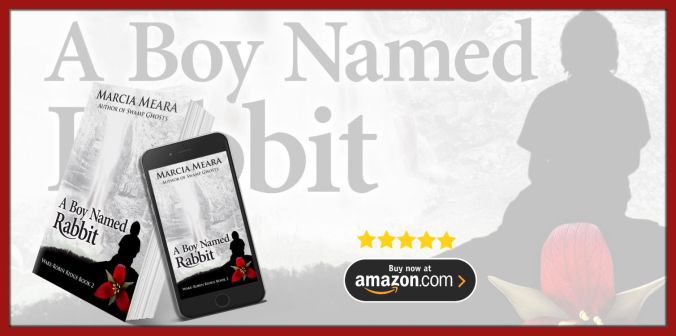
And here is a framed out version of the first ad, for times when that might help it stand out more.


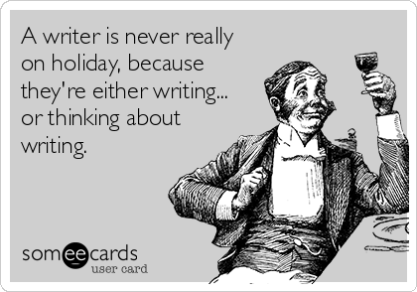 It’s funny because it’s true. If you agree it’s because you know.
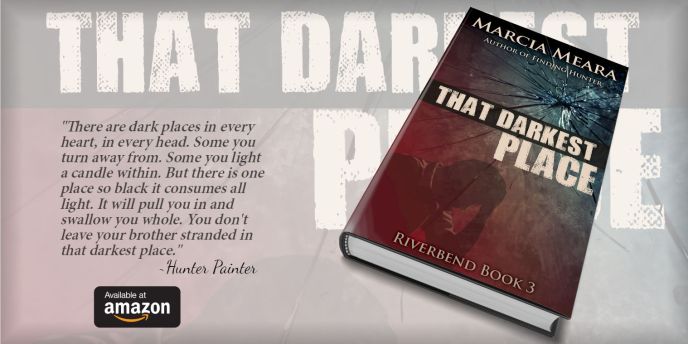


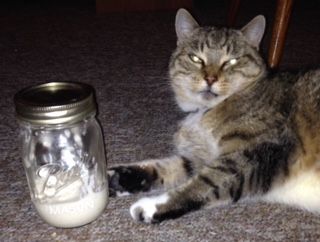 On the left is the gift that keeps on giving. (On the right is a freeloader)
 Avengers #4

 The Write Stuff